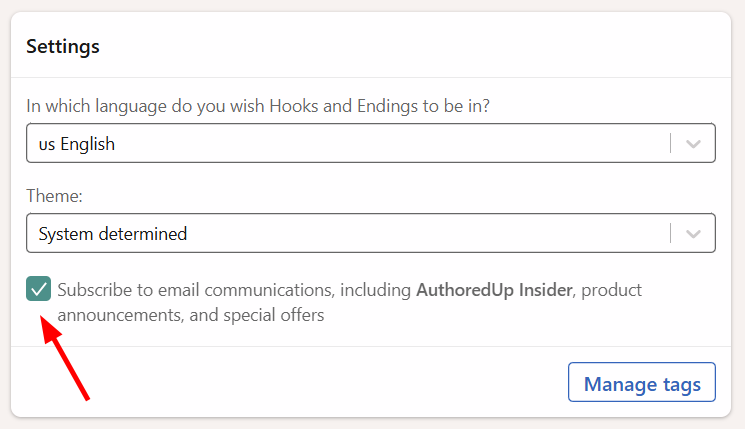
You can choose whether you want to receive optional email communications from AuthoredUp, including AuthoredUp Insider newsletter, product announcements, and special offers.
You can update your email preferences at any time:
1. Go to the Account and settings page.
2. Scroll down to the Settings section.
3. Find the following checkbox: Subscribe to email communications, including AuthoredUp Insider, product announcements, and special offers.
4. Check the box to subscribe to these emails, or uncheck it to unsubscribe.
This setting applies to optional AuthoredUp newsletter and email communications.