
This article explains the difference between using Actors to organize drafts and Collaborators to share, edit, and publish them.
Actors
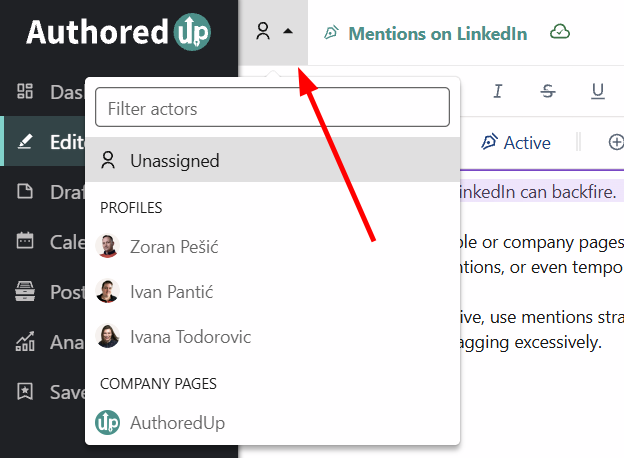
Actors represent the people or company pages that the content is intended for. They are primarily used to organize and track drafts within AuthoredUp.
With actors, you can:
- Assign drafts to personal profiles or company pages.
- Quickly see who a draft is intended for in the Drafts view.
- Keep your content organized across multiple profiles and pages.
Using actors is optional. If another workflow works better for your team, you don't have to assign an actor to every draft.
Collaborators
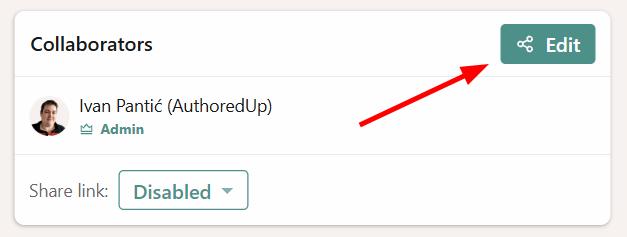
Collaborators are members of your organization who have their own AuthoredUp account and can actively work on shared drafts.
When you share a draft with a collaborator, they:
- Receive a notification.
- See the draft in their Drafts view.
- Can edit the draft.
- Can publish or schedule it on behalf of the assigned actor, provided they have the necessary LinkedIn permissions.
The original creator remains the owner of the draft, even after it has been shared with collaborators.
In short: Use Actors to organize drafts, and Collaborators to share, edit, and manage them together within your organization.